Operating Cadence
Part of Startup meeting and reporting routines
Designing a weekly operating review
A weekly operating review should identify the few changes that need a decision.
Design the weekly operating review around a shared pre-read, an ordered discussion and a clear close. Share routine progress beforehand so the meeting can focus on unresolved actions and exceptions that need attention or a decision.
Preparation Checklist for Weekly Operating Review
- Share pre-read materialsUpload routine progress via written message or video
- Prepare agenda with exceptionsHighlight only items needing decisions or attention
- Ensure all action items are visibleKeep open tasks updated on shared page
- Confirm key attendeesInvite only those required for decisions or updates
Build the page around exceptions
Start the page with the meeting date, purpose, goals, key attendees and process. Keep open action items visible so the team can check progress before discussing new issues.
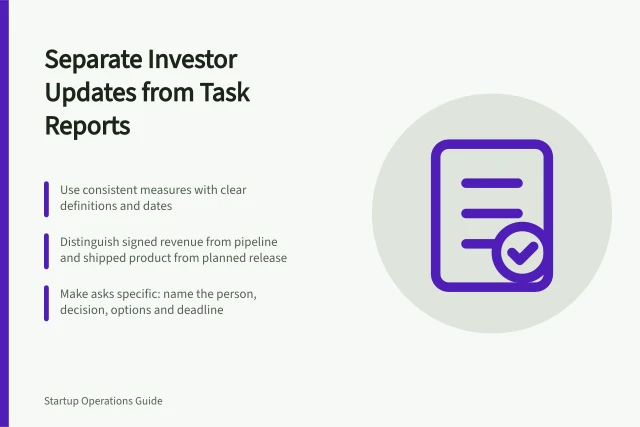
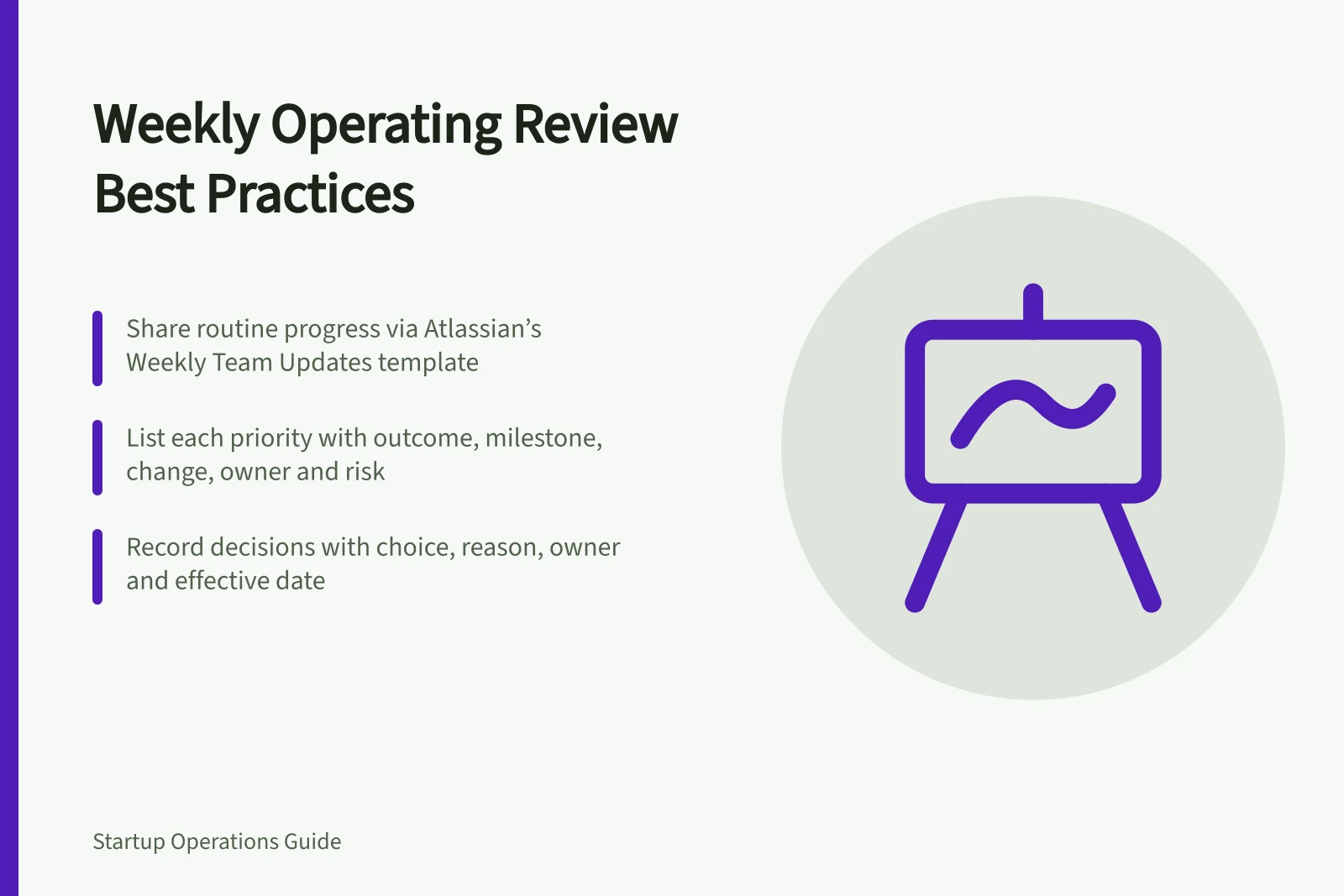
For each current priority, show the intended outcome, latest measure or milestone, change since last week, owner and concise risk. Include the date and source of figures, and label any estimated metric.
For an exception that needs a decision, state the decision required, the options and a recommendation. A red status on its own does not tell the group what it needs to decide.
Use Atlassian’s Weekly Team Updates to share routine progress asynchronously, using a written message or video. The play points to Week Ahead and Weekly Wrap templates and lists 15 minutes of prep and a one-minute run for the update.
Key Metrics for Weekly Review
- Intended Outcome
- Clear goal for each current priority
- Latest Measure or Milestone
- Current progress against target
- Change Since Last Week
- Progress or setback summary
- Owner
- Person responsible for the item
- Concise Risk
- Brief assessment of potential issues
Using Asynchronous Updates vs Live Meetings
- Pros of Asynchronous Pre-ReadsSaves time; allows team to review data beforehand; reduces meeting length; supports remote teams across AEST and AWT
- Cons of Asynchronous Pre-ReadsRisk of misinterpretation without real-time clarification; may miss nuance in complex discussions
Leave with a usable record
Open by stating the purpose, goals and process, then review unresolved actions from the prior week. Discuss the highest-impact exception first, using the page rather than narrating routine numbers that participants can already read.
Work through the remaining exceptions in priority order. If an item is informational, assign someone to write an update; if it needs an absent specialist, agree who will obtain their input and by when.
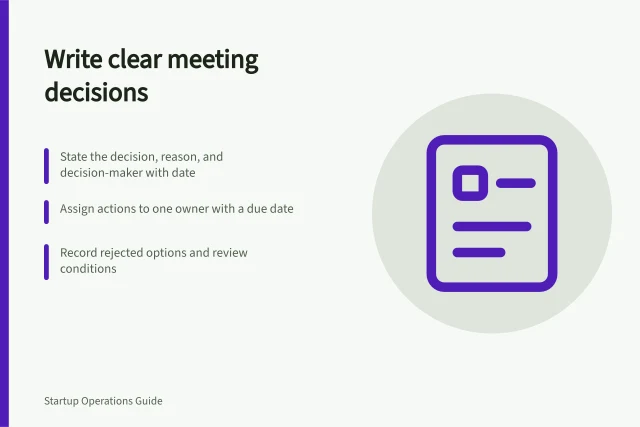
At the close, record each decision’s choice, reason, owner and effective date. For a blocked item, note the missing evidence and when the team will return to it.
In Atlassian’s Weekly meeting notes template, use /decision to record decisions and /action item to assign tasks. Its /task report macro displays unchecked actions across meetings; check off completed items so open actions remain clear for the next review.