Operating Cadence
Part of Startup documentation
Keeping one current version of an operating procedure
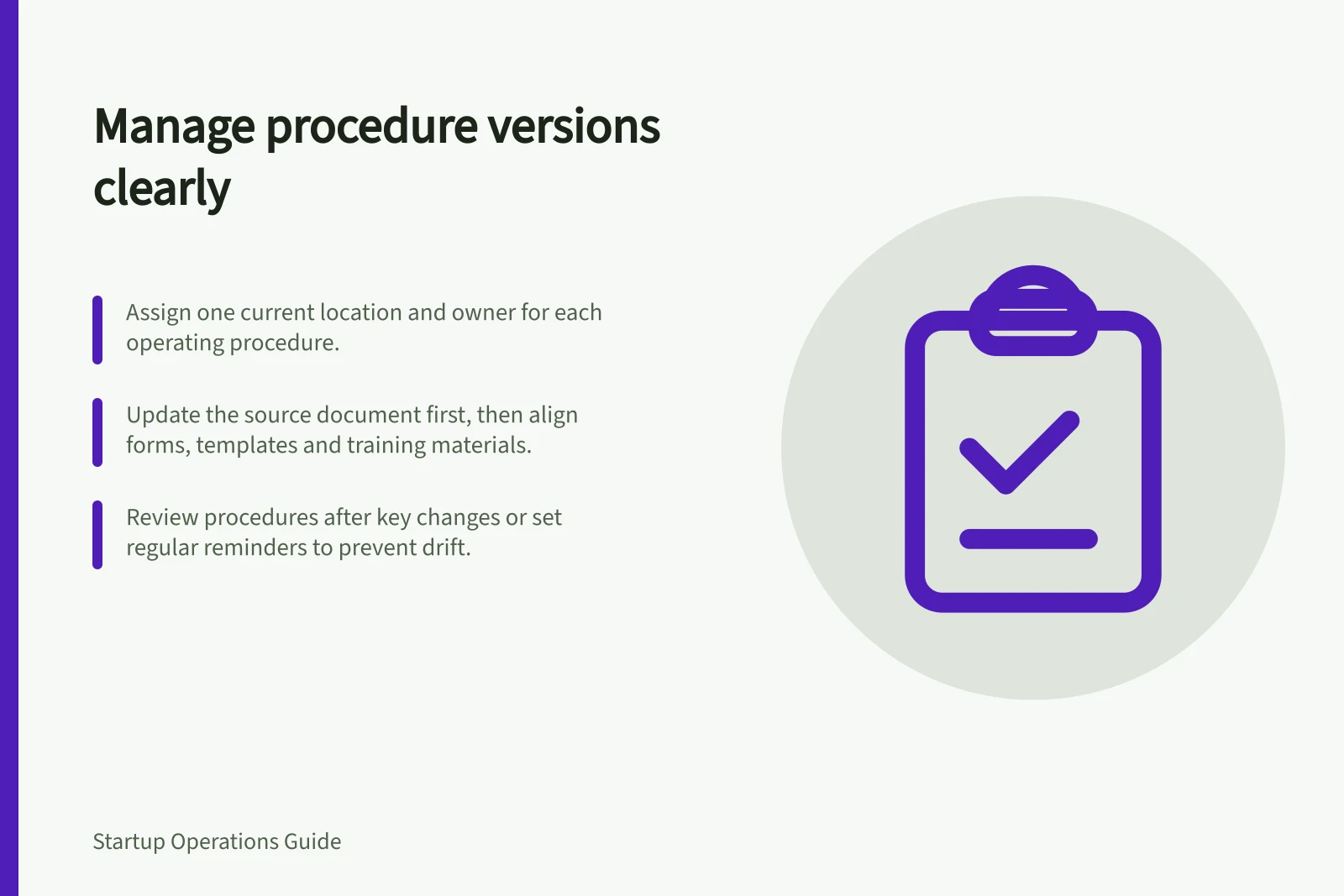
Set a current home and owner for each operating procedure, manage approved changes and stop duplicate copies from confusing the team.
Give every operating procedure one clearly identified current location and an owner who approves changes. Team members should be able to tell which instruction to follow without comparing attachments, personal notes and pages labelled “final”. Keep earlier versions for appropriate history, but remove them from the normal route to the task.
Declare the current location
Choose the place people already use when the work begins, or put a clear route to the procedure there. Give the page a task-specific title, scope, owner and current status.
State when it applies and which cases require another instruction or an approval. If several teams use the same procedure, agree who may change it and who must review a proposed change.
A link from a task board or internal index can point to the current page. Avoid circulating downloadable copies as routine instructions unless the work genuinely requires them. If an offline copy is necessary, give it a clear validity or replacement method so staff know when to check it again.
Change the procedure at the source
When practice changes, the owner should first confirm the new approved way of working. Edit the current procedure, check its steps against the live task and explain any material change.
Record who approved it and when it takes effect. A version history can preserve what changed; a change note helps readers understand why it matters.
For example, if a support team changes who may approve a customer concession, update the approval step and the stop point in the current procedure. Then check the form, template or training material that sends people to the old approver. Updating the page alone may leave the work path inconsistent.
For a change that could affect customers or a controlled activity, identify cases already in progress. Decide whether the new rule applies to them and tell the people doing that work. A current page cannot resolve that transition by itself.
Control review without creating ceremony
Review after a change to the tool, policy, offer or responsible team. Also set a sensible reminder for procedures that might drift without an obvious event.
During review, ask someone who performs the task whether the entry point, steps, approvals and result location still match practice. Record the decision to keep or amend the page; a refreshed date without checking the work says little.
If two current-looking instructions disagree, pause the affected step if needed and ask the accountable owner to settle the approved practice. Mark the disputed material while it is being resolved.
Once agreed, correct the current page and direct readers away from the duplicate. Do not let a confident filename decide the answer.
A colleague starting the task should be able to find one current instruction, understand its limits and see where to raise an exception. If that fails, fix the route before adding more procedure pages.
Review checklist for operating procedures
- Review after major changesTrigger review when tools, policies, offers, or responsible teams change.
- Validate with frontline usersAsk someone who performs the task if steps, entry points, approvals, and outcomes still match real-world practice.
- Document the outcomeRecord whether the procedure is kept as-is or amended. Update the last-reviewed date only if verification occurred.
- Resolve conflicts promptlyIf two versions exist, pause the process and have the accountable owner resolve the discrepancy.