Cash Controls
Part of Startup risk and access controls
Reviewing administrative access to critical accounts
Check who can administer critical accounts, whether each permission is still needed and how controlled recovery would work.
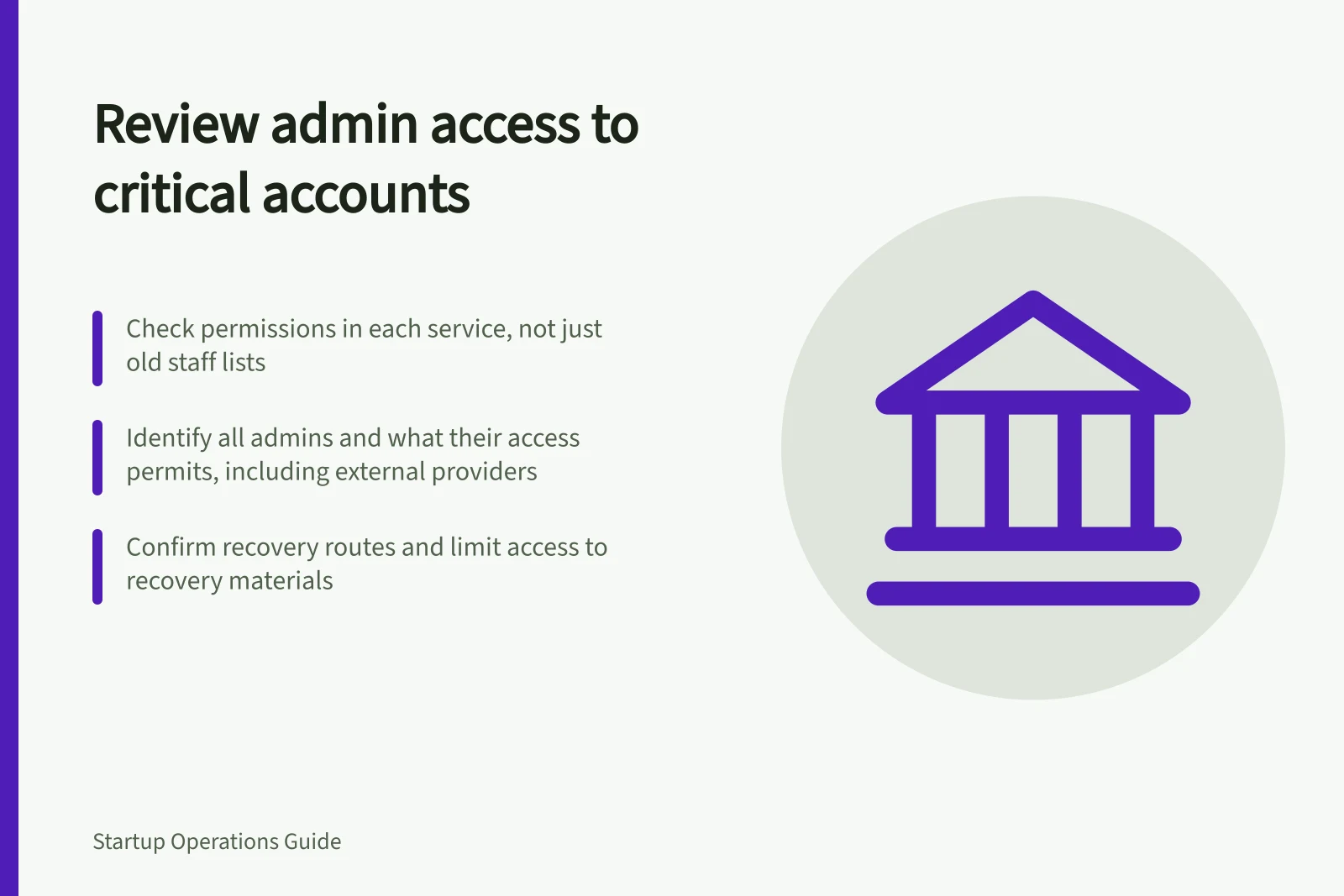
Review administrative access by asking who can change each critical account, why they still need that power and how the business would regain control if they were unavailable. Start with email, banking, identity, domain and document services, plus any other account whose settings could interrupt work or expose important information. Check permissions in the service itself rather than relying only on an old staff list.
Identify accounts and privileged powers
For each service, record its business owner, the people and external providers with administrative access, and what that access permits. Distinguish routine use from powers to add users, change security settings, alter payment details or remove access. Check delegated and linked accounts where the service shows them.
Record the sign-in and recovery route without placing passwords or recovery codes in a general inventory. Two named administrators may still depend on a recovery device held by one person. An external provider may retain privileged access that the staff list does not show.
Compare permissions with current duties
Ask the service owner to explain each administrator's present need. Retain necessary access and reduce or remove permissions no longer required. Review leavers, role changes, contractors and old project accounts. Use individual accounts where available so activity can be attributed to the person using them.
Check multi-factor authentication wherever the service supports it, especially for privileged accounts. Where a broad role remains necessary, see whether the service offers a separate administrator account or a limited-duration permission. These features vary by service and plan; confirm the available settings before relying on them.
A compact record can show account, permission holder, reason, service owner, action and check date. Mark an uncertain permission for investigation rather than deleting access needed for live work without a recovery plan.
Privileged access vs. current duties
- Administrator with access to change payment details
- Only if currently responsible for financial management or vendor payments
- External provider with admin rights to cloud storage
- Only if contracted for ongoing support; review annually or after project completion
- Contractor with full account control
- Not permitted unless strictly necessary and time-limited; use temporary accounts instead
- Staff member no longer with the business
- Access must be revoked immediately; do not retain for 'future reference'
Keep recovery controlled and usable
Removing every alternate administrator could leave the business unable to act during an absence. Identify who can authorise recovery, what they would need and where protected recovery material is held. Limit access to it and decide when its use must be recorded and reviewed.
If an alternate administrator is part of the plan, confirm their role and sign-in method using a safe check permitted by the service. Do not disclose a recovery secret merely to prove that it exists. If no usable route is known, record that as an open risk.
Close the findings
Assign each permission change to someone who can make it, and have an authorised person confirm the result in the service. Record the reason for retained privileged access and the event that will prompt another review.
Investigate an unknown administrator or an account with no recoverable access before treating the review as complete. Repeat the review after a departure, provider change or material account change.
Steps to review and secure administrative access
- Identify all critical accounts and their ownersUse service dashboards, not old staff lists
- List all administrators and their privilegesDistinguish between routine access and power to add users or change security settings
- Match each admin’s role to current dutiesRemove or restrict access that is no longer needed
- Confirm recovery methods are secure and accessibleEnsure at least two people can initiate recovery if needed
- Assign action owners and verify changes in the serviceDocument reasons for retained access and next review date
- Repeat review after key events (staff departure, system change)Never treat a one-off review as final